So You are Thinking About Night Photography

So you are thinking about night photography and not sure if your camera can do it or what the settings you might use.


Most modern DSLR’s and Mirrorless cameras can take great pictures at night and of the stars, but I would recommend doing some testing before you go out on your first night of night photography shooting. The intent is to

  1. Let you know if your camera is suitable for night photography and
  2. To give you a starting point on the settings to use to get the best shot of the night sky or other night shot.

The steps used do not only apply to taking pictures of the sky but any night photography situation you are thinking about such as taking pictures of the city at night.


Night sky photography (AKA Astrophotography) is something that I’ve always wanted to and I needed to find out if my current camera was up to the job. On a recent night where there were no clouds in the sky I decided it was time to test my old trusty Nikon D80 to see if it was up to the job. So I headed outside with my tripod (A must if you are doing any low light photography), my Nikon D80 with the Nikkor 18-135 lens, and my wireless remote. The remote is not required, but it does make things a little faster to do. If you don’t have a remote trigger device be it wired or wireless, you can still get your night shots, but you will have to use the camera’s built-in timer function or you will get camera shake when you press down the shutter release button.


For my testing, I put my camera in manual mode, set the aperture (f-stop) as wide as my lens would let me at f3.5 with the lens at its widest setting of 18mm and set the exposure time to 30 secs, which is the longest my camera will go before switching to bulb mode. For the testing, you want the exposure time and f-stop fixed as you will be only adjusting the ISO setting for each shot. You will need to focus your camera to near infinity in order for the stars/night sky to be in focus. Do this manually by turning your focus ring all the way until it stops at infinity and turning it back just a little, or find a distant light and let your autofocus focus on that. After you have set your focus, you must turn off the autofocus feature of your lens or as soon as you go to click your shutter release your camera will just get stuck trying to focus and most likely never focus. On my Nikkor lens, I can turn off the autofocus on the lens. Your camera/lens will vary on how you turn auto focus off. It is your option whether or not to use the long exposure noise reduction option that your camera has. For my testing, I did use my camera’s long exposure noise reduction option. If you are not sure, take a series of pictures with it off, then another series with it on and compare.


Start out at the lowest ISO your camera has, in my case that was 100 and with each picture you take,  increase the ISO by one setting stop until you get to the highest your camera can do.  For my old trusty Nikon D80 that meant ISO’s of: 100, 125, 160, 200 250 320, 400, 500, 640, 800, 1000, 1250, 1600, HI 0.3, HI 0.7, HI 1.0. When it is all said and done, you should have a range of shots that vary just by the ISO. So I ended up with 16 shots.


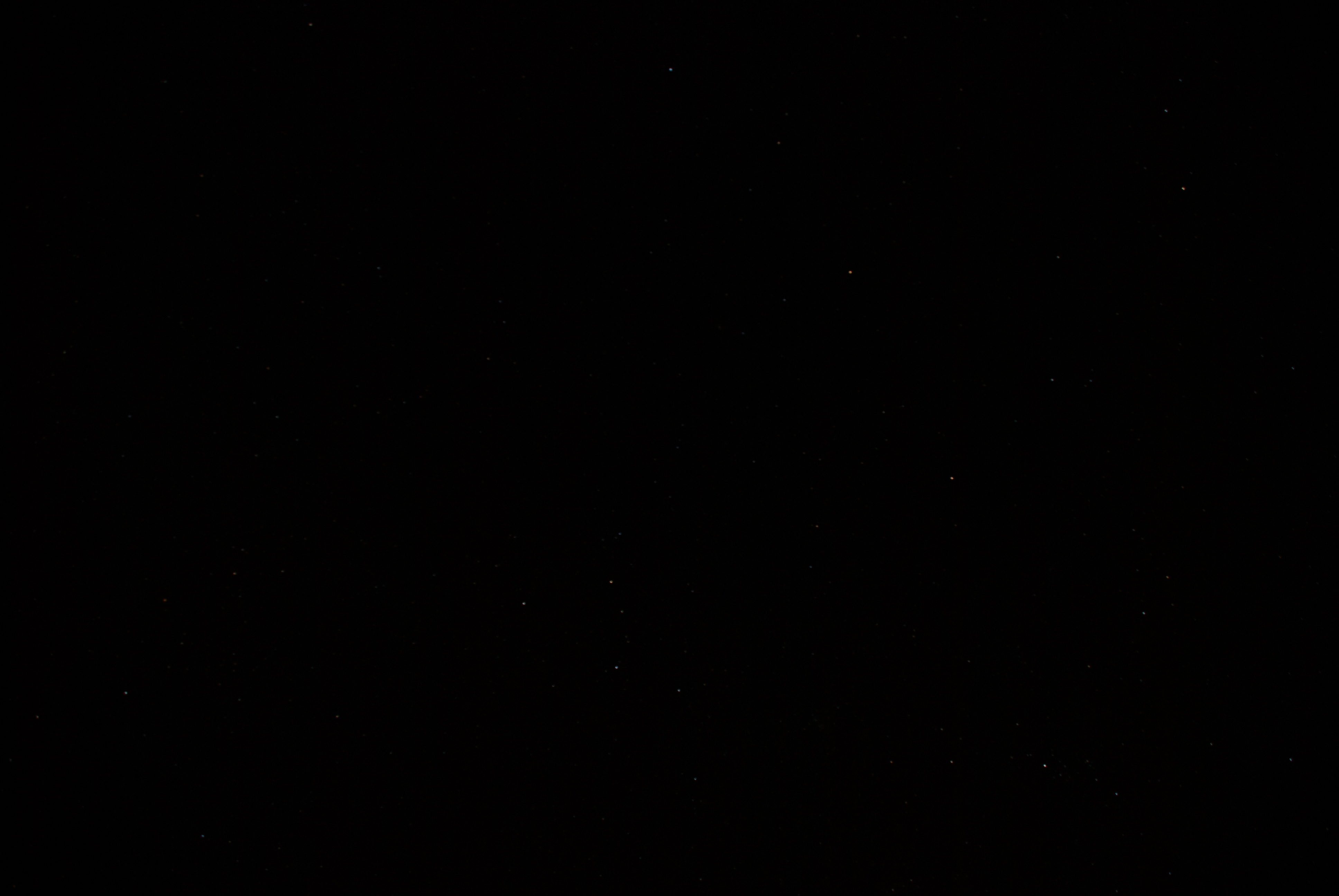
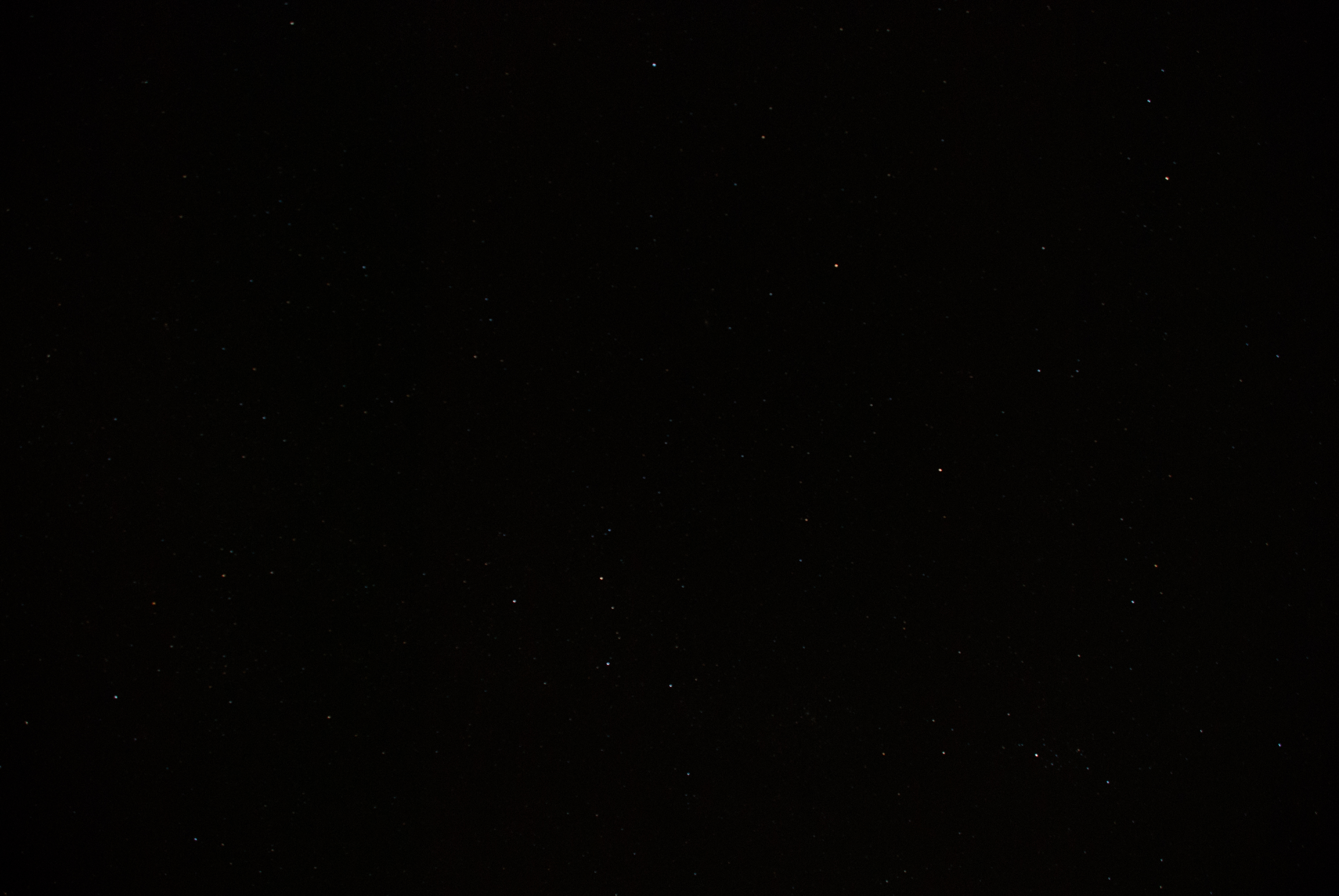
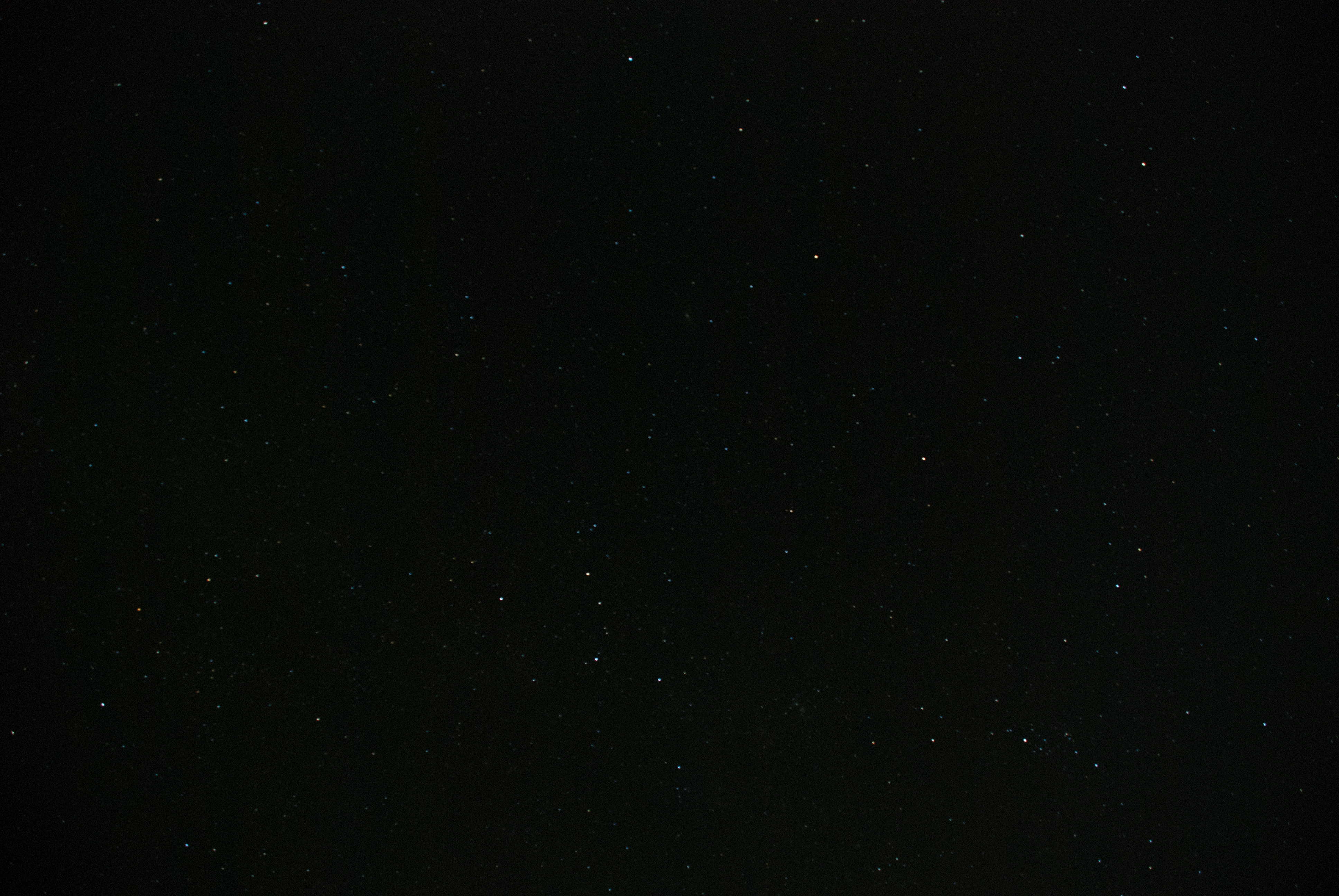
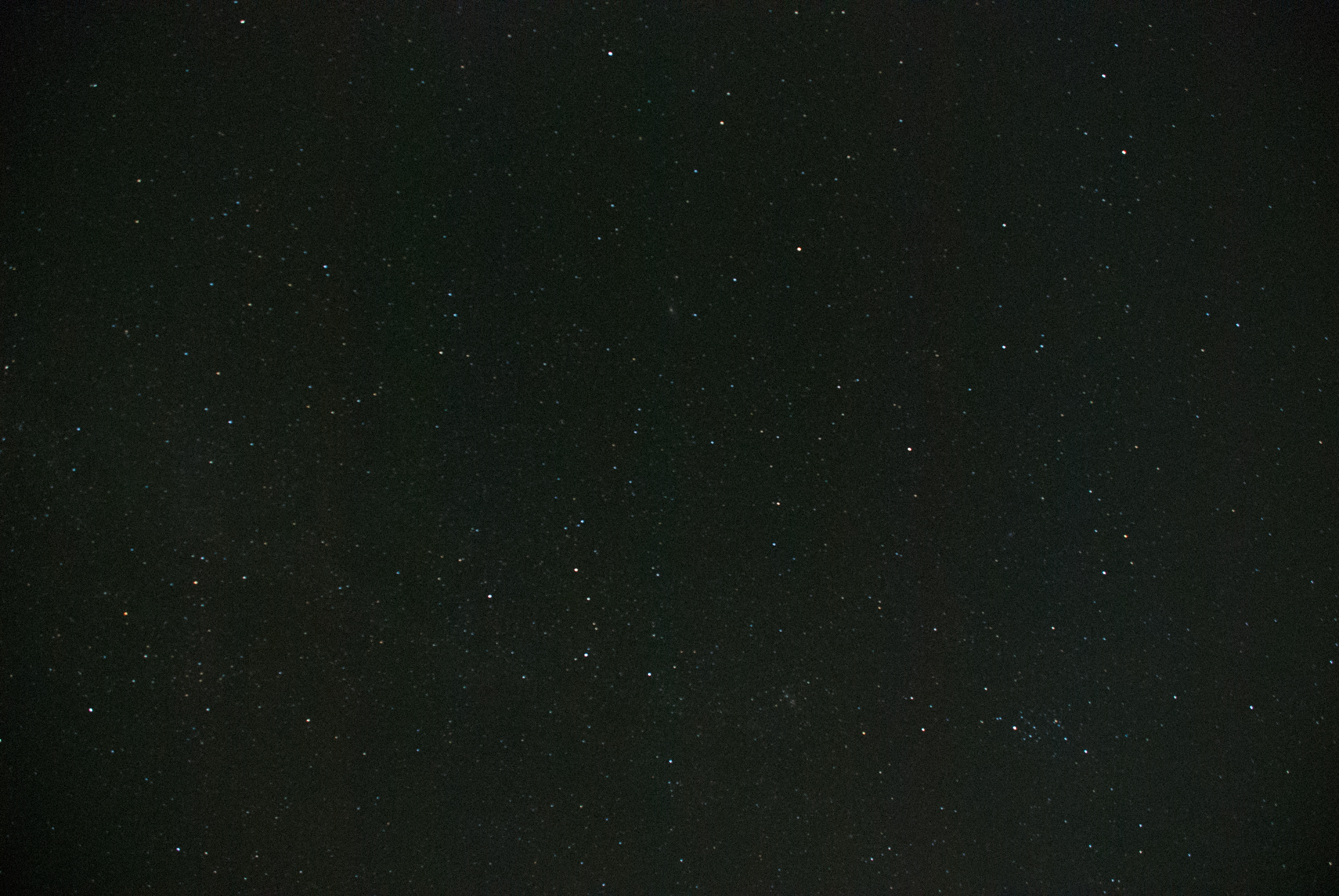
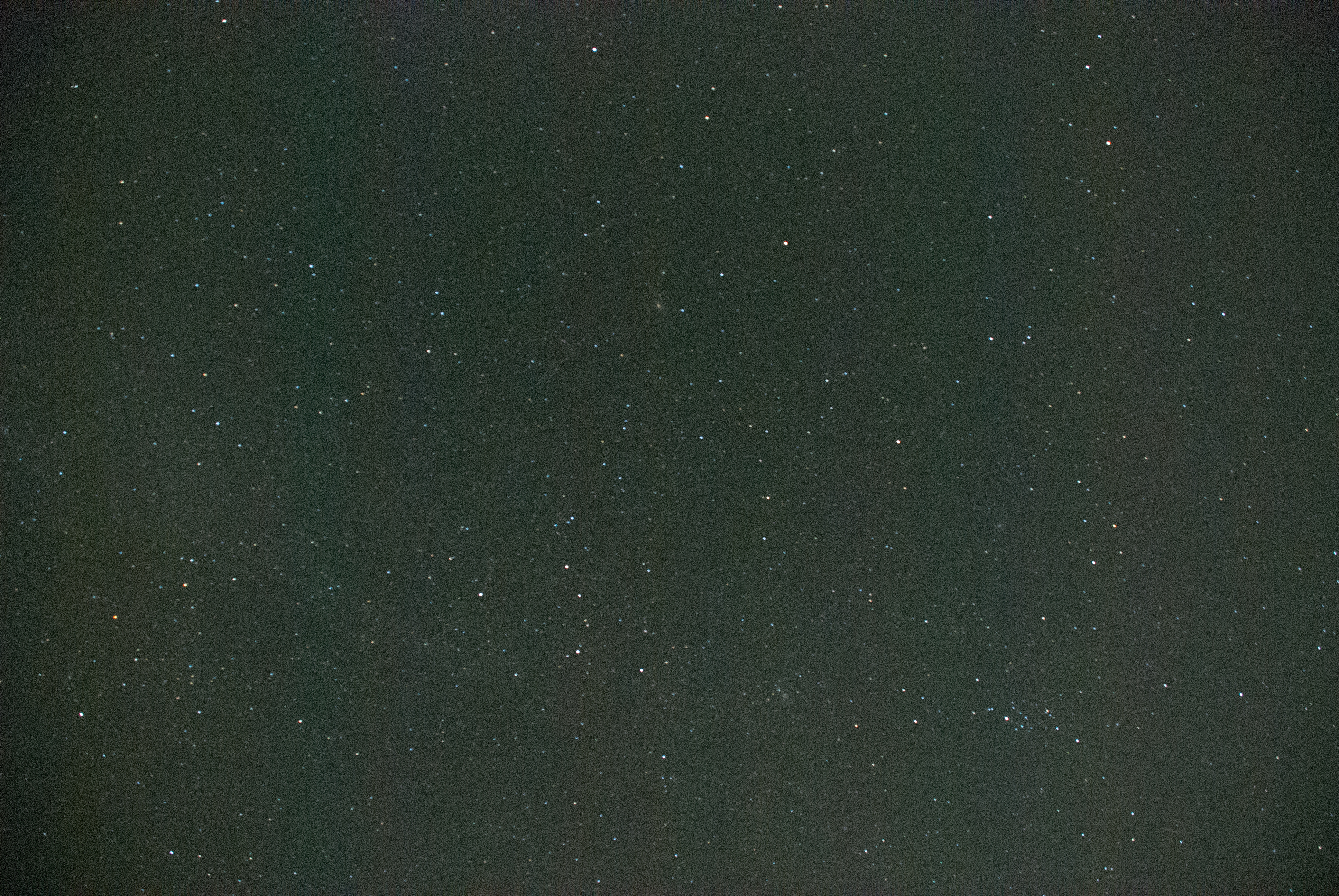
This 5 of the images spread across the full 16 image range of images that I got during this test.


Click on each image to see the full version

At ISO 100
At ISO 100

At ISO 250
At ISO 250

At ISO 640
At ISO 640

At ISO 1600
At ISO 1600

At ISO Hi 1.0 Equivalent to 3200


After looking at my test shots it tells me a few things

  1. Due to light pollution and the low sensitivity of my sensor I”m not able to get the Milky Way with this camera. By today’s camera standards, my Nikon D80 has a very low sensitivity as its highest native setting was 1600. Most camera’s today got to at least 25,600.
  2. To get a decent amount of stars I need to use the higher ISO’s of my camera. At least 1600 if not the digitally enhanced HI settings.
  3. Even at the higher ISO’s my camera still cannot capture enough light for the faint stars. And even with noise reduction turned on, the pictures are still too noisy.


Just because I cannot capture the stars with my camera I did not give up on night photography as you may have seen in my previous posts from Light City Baltimore.


I’ve been able to get some great night shots in the city with my Nikon D80.  This is because the light it much brighter than the faint stars and my camera’s sensor is sensitive enough to get the light at this level.

Just keep in mind that you are doing this testing just as a starting point and to determine what is possible at the max aperture and timed exposure. Once you know this base, if it worked out for you, you can make adjustments when you change the exposure time and aperture. I won’t go into the formula here, but I’m sure you can find it on the internet.


For now, get out there and try some night photography shooting, I’m sure you will get some great pictures.


#nightphotography #Camera #Settings #testing #tips #night #recommendation


Free Online 11-Week Digital Photography Course by Former Stanford Professor

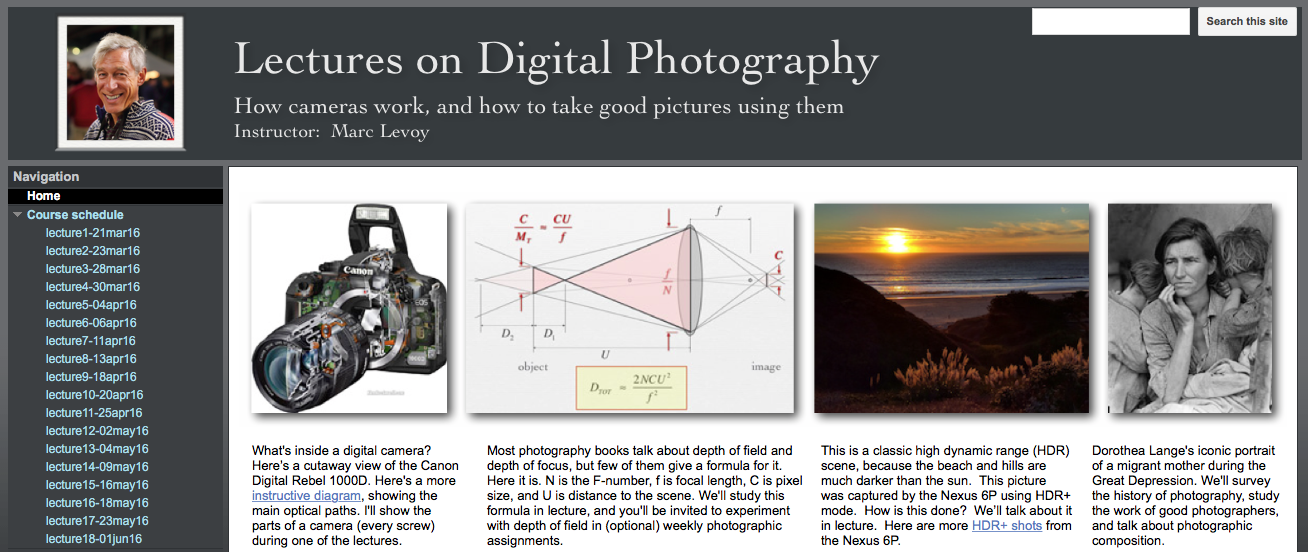
Recently found a free online 11-week Digital Photography course by Former Standford Professor Marc Levoy


Free Online 11-Week Digital Photography Course by Former Stanford Professor


I’ll admit the I did take at least one college-level course when I was at Towson back in the film days as I was primarily interested in Black and White photography darkroom techniques. But these days there are so many resources available on the internet to learn photography I have not taken a course since.

I’m all about free, so I”m always on the lookout for good resources and this is one of them.

This course is not for everyone, but for those who like the lecture format of a college-level course and are looking for something that covers the science, artistic, and computing aspects of photography, then this might be for you.

According to the site, this is the public version of the course that he use to teach at Standford. It does seem to be a very popular online course and please read the RED text section on the home page with regard to the video lectures that go along with this course.

The site contains video lectures, lecture materials, and course assignments if you so choose to do the assignment for fun.

Rather than rehashing the details you can read on his site I’ll just say go check it out and see if it is for you at

https://sites.google.com/site/marclevoylectures/home

#course #photography #lecture #free


Fro Knows Photo gives away Red River Paper


Fro Knows Photo gives away Red River Paper to first 300 responders


Jared Polin, aka the I Shoot RAW man, of Fro Knows Photo is one of the folks that I follow. He has a unique perspective on photography that I like as I think it just tells it like it is.

Right now he has an offer for the first 300 responders for sample paper from Red River Paper. Red River Paper is one paper source I have used and would recommend. I”m just not big enough yet to get these types of offers for my readers so I wanted to share Fro Knows Photo’s post.

Click on the link in his video to see if you can still get the free sample kit from Red River Paper and give their paper a try. I’m sure you will like it.


Don’t forget to check out Fro Knows Photo as well as I’m sure you will like his content as well.


You can also click on the “F” logo in the bottom right to go to the post on his page.


Went on a Photowalk in Havre de Grace

Went on a Photowalk in Havre de Grace with a group of new and old friends.


A photographer friend of mine (Sean Simmons of Clear Elite Photography) set up a Photowalk in Havre de Grace for this past Sunday morning and invited his followers and the members of our Facebook Group All Inclusive Photography Club, of which you are welcome to join. We all meet up at the Concord Point Lighthouse and got ready for the sun to rise. Had a great time talking with friends and taking pictures. I would recommend anyone to go check out the lighthouse and surrounding area as it is a beautiful place to take pictures in the morning. Or any other time of day for that matter.

The Concord Point Lighthouse in Havre de Grace is someplace I’ve told myself I need to go to and photo the sunrise for some time now, but I never seem to get myself motivated enough to get out of bed the hour or two before sunrise to get there in time. I finally did it this past weekend, mostly due to Sean setting up the Photowalk and knowing several of the people who would be going on the Photowalk.  So I dragged myself out of bed at 4:30am and hit the road a little after 5am. It is a little over and an hour drive from my house and I was hoping I wouldn’t miss the sunrise or the sky just before the sun comes over the horizon. I just made it in time.

I think all that went and I had a great time. I am amazed by the photos folks have posted in our group from the Photowalk so far. We had a variety of folks with different skill levels and various types of camera equipment from a cell phone to DSLR and Mirrorless cameras. I think this variation of folks is what makes our group great and made for a great Photowalk.


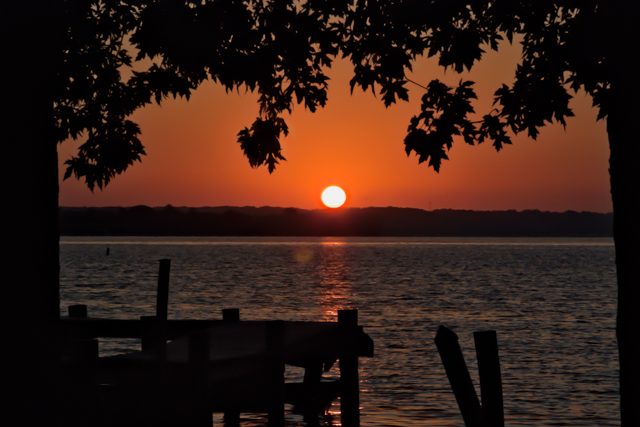
The Sun Rises Over The Bay

When on a Photowalk
The Sun Rises over the Bay – ©2016 MarkDoddphotography.com


This is what I hope is the first of many photos from this trip as I have many yet to edit. So I”m sure you will be seeing more.

This photo was taken with the HDR method using 3 brackets from -1,0,+1 in exposure and combined in Aurora HDR Pro


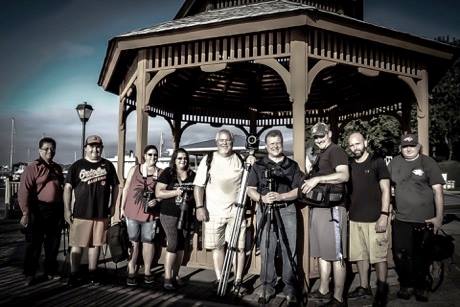
Here is a picture edited by Sean Simmons of most of the group that got up early on Sunday to get out there and get their best photo of the sunrise and more.


Went on a Photowalk

#AuroraHDR #Sunrise #HavredeGrace #chesapeakebay


Sale on Becoming and Artist and a Photo from Me

Sale on Becoming An Artist – Season 1


If you have thought about getting the complete series and waiting for it to go on sale, well here it is.

You can now get the complete series at 30% off.

Get your copy here before the sale is gone

Click on the link to get all the details on what is included and information about the series.


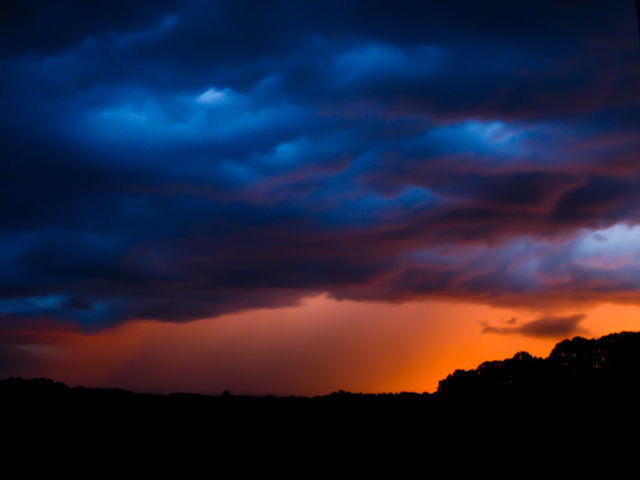
The Color before the Storm


I haven’t had much of a chance to go out and take pictures recently and I have yet to process those that I have taken. This one I did get to take quickly near my home.

There was a storm rolling in with very dark and gloomy clouds right around sunset. I didn’t think we would get any sunset, but then I looked out and saw this.  Ran to get the camera and get a quick snapshot before it disappeared.

And disappear it did not long after this photo.


The brief sunset before the storm came through.
#becominganartist #sale #latestphoto


Things don’t always go as planned

Sometimes things don’t always go as planned, but that doesn’t mean the pictures you end up with are not worth keeping.


Recently I went out on two different days with hope to take some breathtaking sunset photography.

On the first trip, I just wanted to get the sunset on a recently cut farmers field. This turned out to be a dud as far as my plans went. First, the sunset did not look like it was going to be that great so I didn’t head out to the location. About 10 mins after I had planned on leaving, the sun broke through the clouds and the start of a spectacular sunset was on its way.

I got into the car and rush to the location I was thinking about. Even though it was only a few miles from where I was, by the time I got there and got my camera equipment setup, the best part of the sunset had gone. I was bummed, but I was still determined to get some photos while I was there so it would not be a wasted trip.

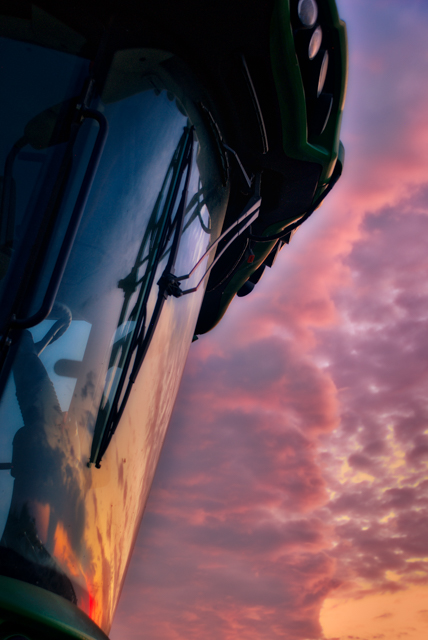
I looked around and saw that the farmer’s combine was parked nearby and that the cab’s window was facing in the direction of what was left of the sunset. I immediately ran over and set up my tripod and started taking pictures. I usually try to do HDR photo’s which require taking a series of shots at different exposures which get combined later on my computer with Aurora HDR Pro to produce the final picture.

Here is one of the pictures I ended up capturing. It was not the red sky and the farm field that I had planned on, but I made the best of what was available to me.


Sunset Reflection in the cab of a combine Things don't always go as planned article
Sunset Reflection in the cab of a combine after a long day on the job.


This shot was a result of the HDR process by combining the 3 shots shot at -2,0,+2 exposures and using Aurora HDR Pro to process the combined shots into the final you see above.

Now on to another trip where my HDR Process failed me

Continue reading “Things don’t always go as planned”

Aurora HDR Next Release Announced

Aurora HDR 2017

Welcome to Aurora HDR 2017


Aurora HDR Next Release Announced today. Aurora HDR is the world’s most powerful HDR software made exclusively for Mac. If you are waiting for Aurora HDR for Windows  make sure to sign up and click the radio button for “I use PC” so you get notified of the Aurora HDR for Windows release at a future date.


Pre-orders for Aurora HDR 2017 will start September 14th, with the official release launch on September 29th for the Mac Version. Windows users, still sign up and get notified about Aurora HDR for Windows, it is coming, just not September 29th.


 Sign up Here to get notified when pre-ordering starts and any updates on the Aurora HDR 2017 release.


Summary of a few of the Aurora HDR 2017 Features and Improvements.

  • New Batch Processing
  • New Tools, including polarize filter and radial masking tool
  • New presets by Trey Ratcliff and other recognized pros
  • Updated tone-mapping and bracket merging technology for more realistic looking HDR images

This is just the shortlist. There will be over 20 key improvements and new features in this release.


Sign Up NOW to get notified of the additional features Aurora HDR 2017


Aurora HDR Next Release Announced Upgrades and Pricing

  • Current users of Aurora HDR Pro can upgrade to Aurora HDR 2017 at a special pre-order price of $49
  • Current users of the standard version of Aurora HDR can upgrade to Aurora HDR 2017 at a special pre-order upgrade price of $69
  • New customers can pre-order Aurora HDR 2017 for $89
  • Pre-order customers will also receive special bonuses that and announced soon. As soon as I”m notified of what they are I’ll post it here.


Sign up Here to get notified when pre-ordering starts and any updates on the Aurora HDR 2017 release.


#AuroraHDR #AuroraHDR2017 #AuroraHDRPro #AuroraHDRProUpgrade #AuroraHDRUpgrade #NewRelease #nextreleaseofAuroraHDR #Macphun #AuroraHDRWindows


Some Photography Slang

Photography slang that you may already know or should know.


I’m not much on acronyms or slang but I found the following article interesting and even a little amusing so I though I would share. Hope is either informative or gives you a smile at what some of them mean.


Click here to see the 10 slang words every photographer should know


Recently I’ve found myself having writers block or not able to think of a good subject to write about during the week. So I’ve decided that I will share some things that I’ve found that I think you might enjoy or benefit from. I’m far from an expert on everything related to photography, so if I find a site or article that I either benefited from or I think you could benefit from I’ll create a post and include a link to it.


Happy 4th of July

Happy 4th of July to Everyone.

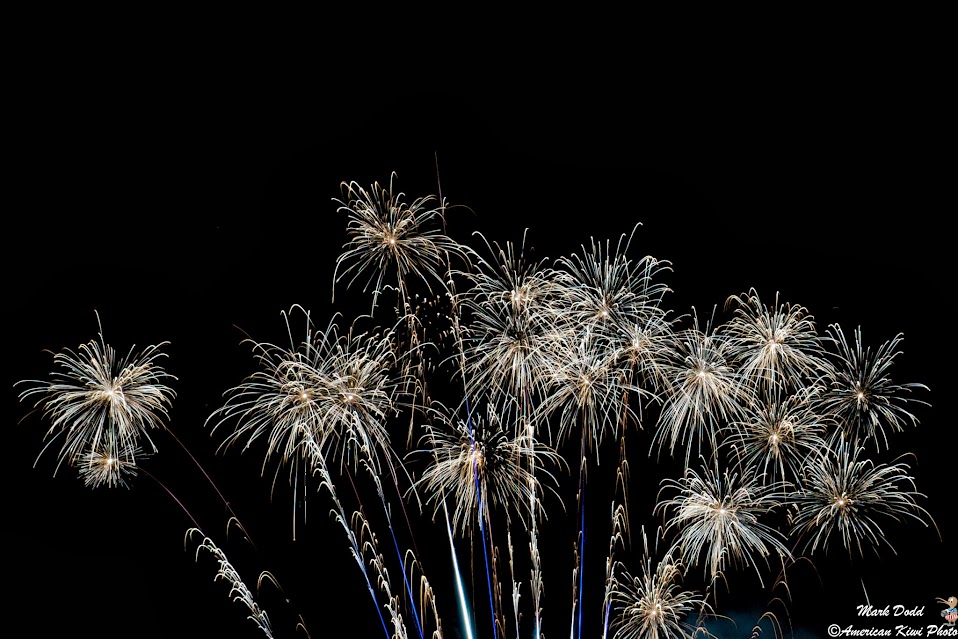
I hope you have a good day and get out there and get some great shots of the fireworks in your area.

And just a reminder, the

Macphuns' Shooting Fireworks Bundle

is still available to help you out with improving those fireworks shots that you will get or  just got.


Getting a website created and online in no time with Bluehost

So you are thinking of creating a website and not sure where to go and how long it will take, I have a quick and easy solution for you with Bluehost, my hosting provider.

These days I think everyone is in the website hosting business and there are many providers you can choose from, but I know Bluehost can can get your website up and online in no time.

Wither you are a techie and like to do everything yourself or someone who just wants to get online and not worry about the details, Bluehost has solutions for you.

So how do you get started…

Before you even go to Bluehost, I would recommend that you do a little pre planning.

Things to think about:

  1. Your domain name. Come up with a list of domain names that you might want to use. I would come up with at least 3 and order them in preferred order. There is always a chance that the name you want is already taken so you want to have your 2nd and 3rd choices ready to go.
  2. Think about the type of site you want to have. This is anything from a blog to a just a e-commerce store. Bluehost has options for any type of site that you want and I believe WordPress can accommodate most types, but if you need a specialized type of site, they have various options for those as well.
  3. Know you budget. Like every hosting site there are a ton of options from the low-end shared hosting to dedicated servers just for you site. You can always start at the shared hosting option and move up the options list to the dedicated server as needed. Also, you can get more for your money using the introductory pricing if you get multiple years of service up front. This is what I did and it has saved me a lot over my initial sign-up period
  4. Think about your content. This mainly comes in for the Basic and Plus shared hosting options as there is a limit on server space. If you site is going to be heavy on images or videos that are stored on your site you may have to go with the Pro shared site option to start as it has unmetered storage space

Knowing these things will help you deciding which of the multitude of services that Bluehost can offer that you will need to start with.

Now that you have done your pre-planned. Lets go through the steps of getting you online and up in running.

Continue reading “Getting a website created and online in no time with Bluehost”