The Sky replacement craze

Although the ability to replace skies has been doable for years, up until recently it required some serious Photo editing skills in either Photoshop or other editor of yours choice.

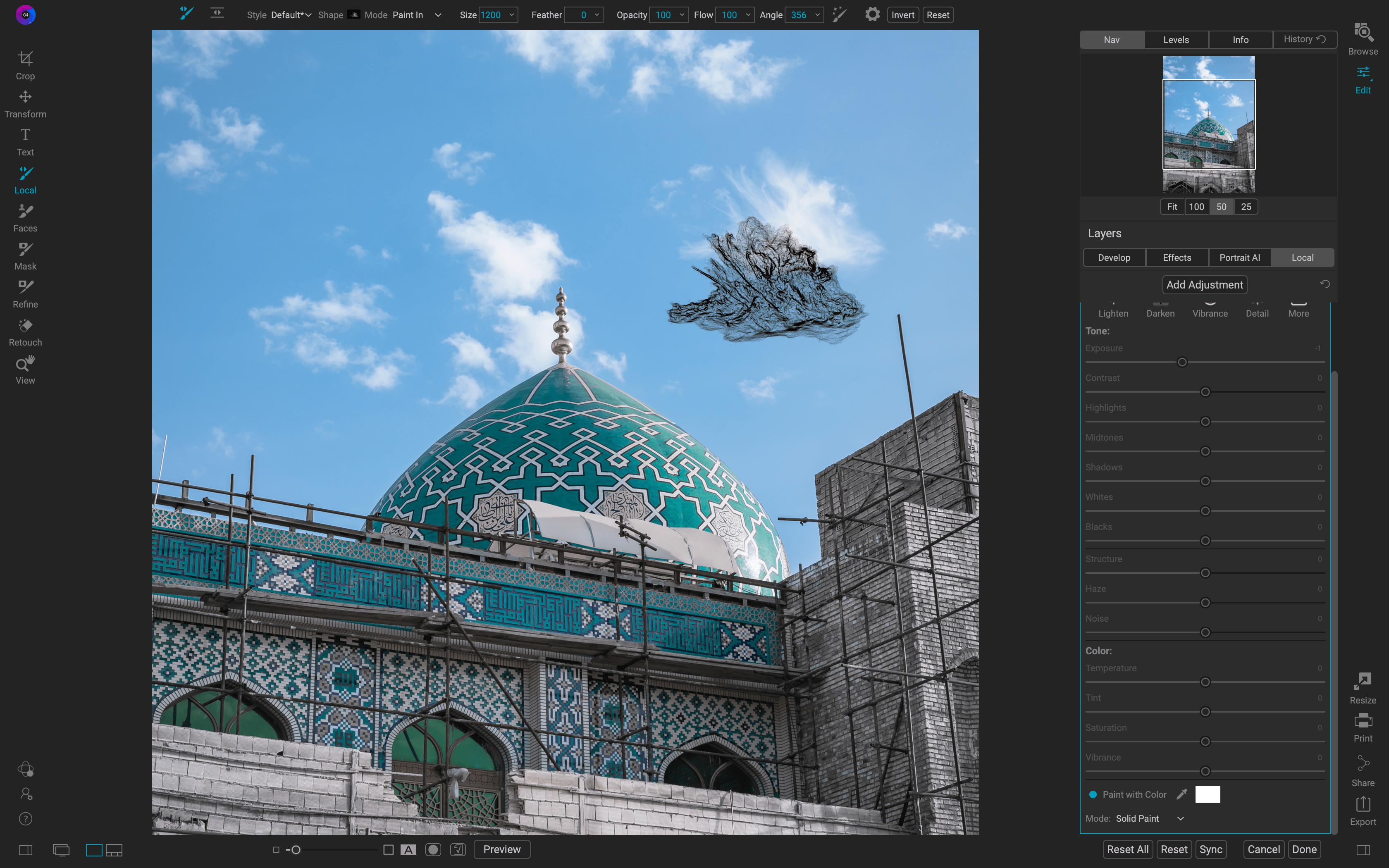
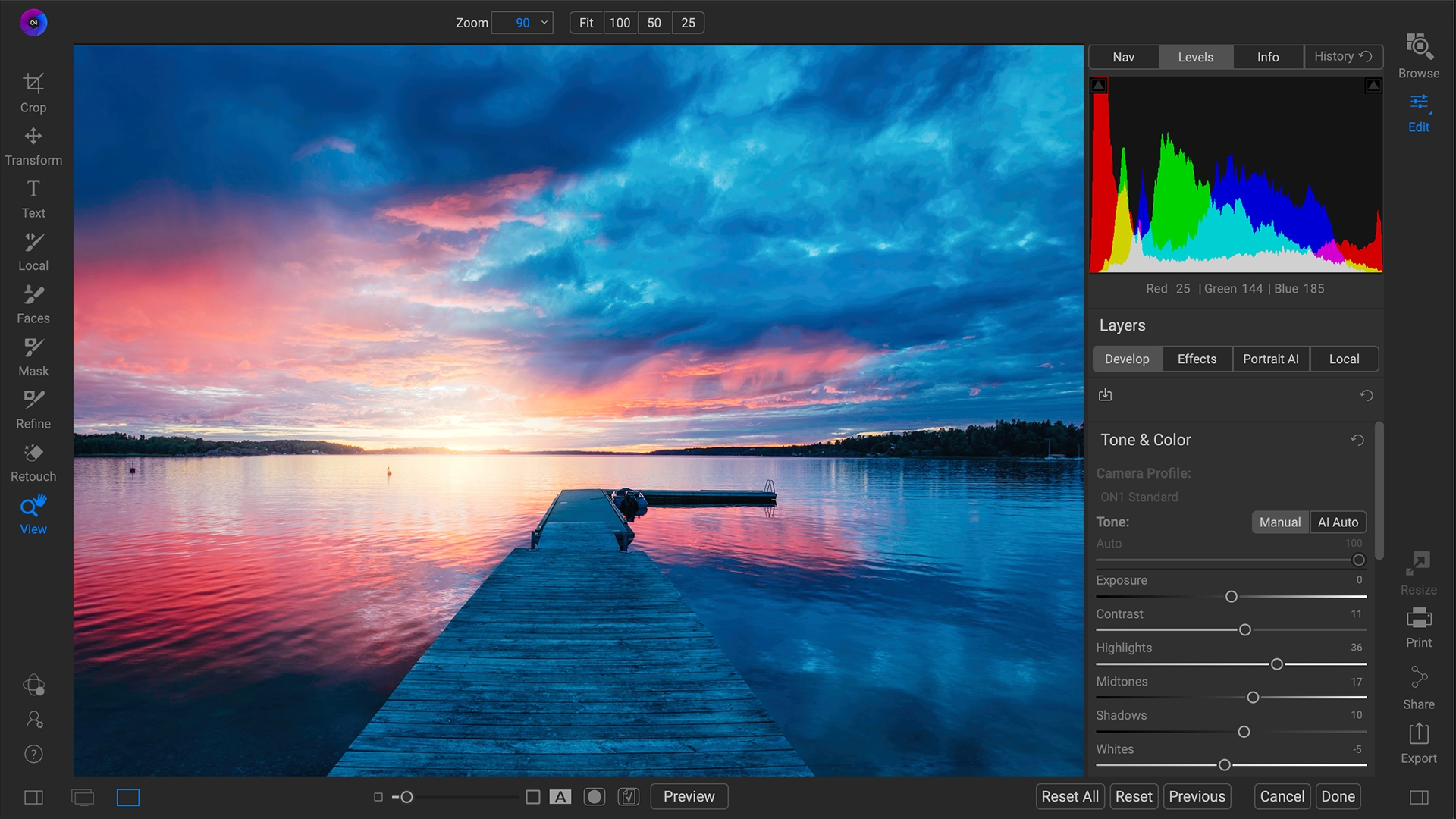
Now it has come to the masses via various programs such as Luminar AI and On1 Photo Raw.

I’m not saying it is a bad thing that the new programs make it easier so that everyone can do it, but I do think sometimes people do it just because they can. The Sun Rays phase was another good example of doing it just because it was there. I saw multiple photos where the adding of Sun Rays did nothing to add to the overall view of their photo. In some cases, it was actually rather distracting.

Now I personally do not replace skies in my images, yet, but I so see when there is a case for it. But that is it, I would only do the replacement if it is absolutely necessary to create the vision of the image that you want.

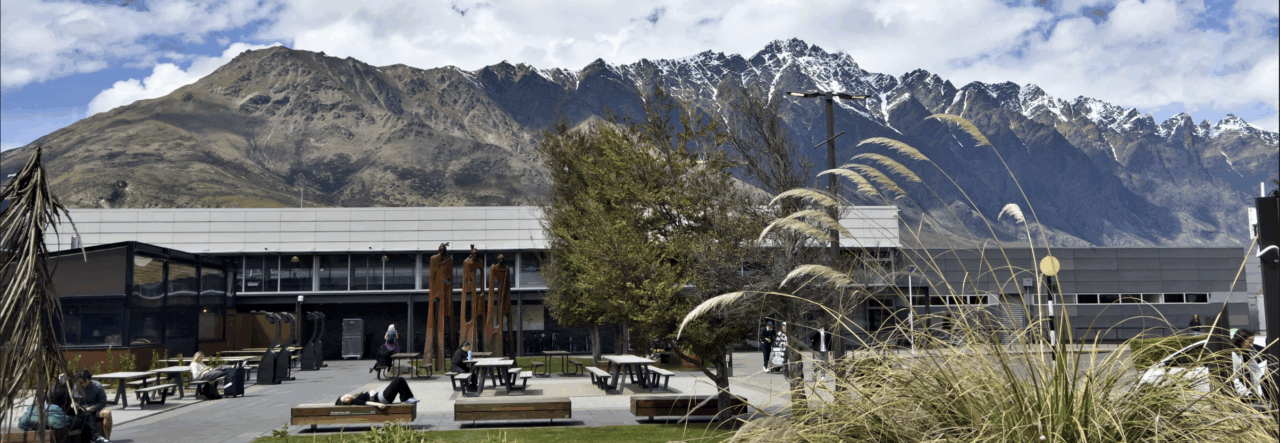
I can see one scenario when you might want to replace the sky is if you are on a travel trip or somewhere you know you will not be back for a while or you won’t be back to at all and the sky is very boring such as a cloudless sky. Then I would consider it since it is a case you would not be able to return to get a better sky.

But if you do need to replace the sky, pay attention to what is in the image and the over all view and the light of the image.

I have seen several shots in photography groups I belong to on the web where the tone of the clouds added does not match the rest of the scene. Such as the clouds are the warm color of a sunset, but the foreground is a cool color. Another bad placement is when you see the light coming from one direction on the ground and another in the clouds. (pay attention to shadows and bright spots). If you replace your sky you want to pick a sky that matches the rest of the scene in tone and in the direction of the light.

So before you jump on the sky replacement bandwagon, take a serious look at your image. Does it really need to have the sky replace? Asked yourself, will my image be enhanced by a new sky. Once you have decided that make sure to check that the tone and light direction of the sky you have chosen as a replacement match the rest of your image. Some software like Luminar AI can assist you with matching the tone of your replacement sky to the tone of your image along with helping with water reflections.

In short, don’t use a new sky replacement feature just because it is there, think about how the feature will enhance your photograph. That pretty much goes for all the other options that you have, just because it is there doesn’t mean you have to use it on every single photo.

Since this is just an opinion piece, I do welcome your thoughts, just leave a comment below Do you agree with my thoughts?. I only ask you to be courteous in your statements but all options are welcome.

OK, back to your regular scheduled programming as they use to say.

New App and Fall Updates to On1 Suite of applications

On1 Portrait AI Icon

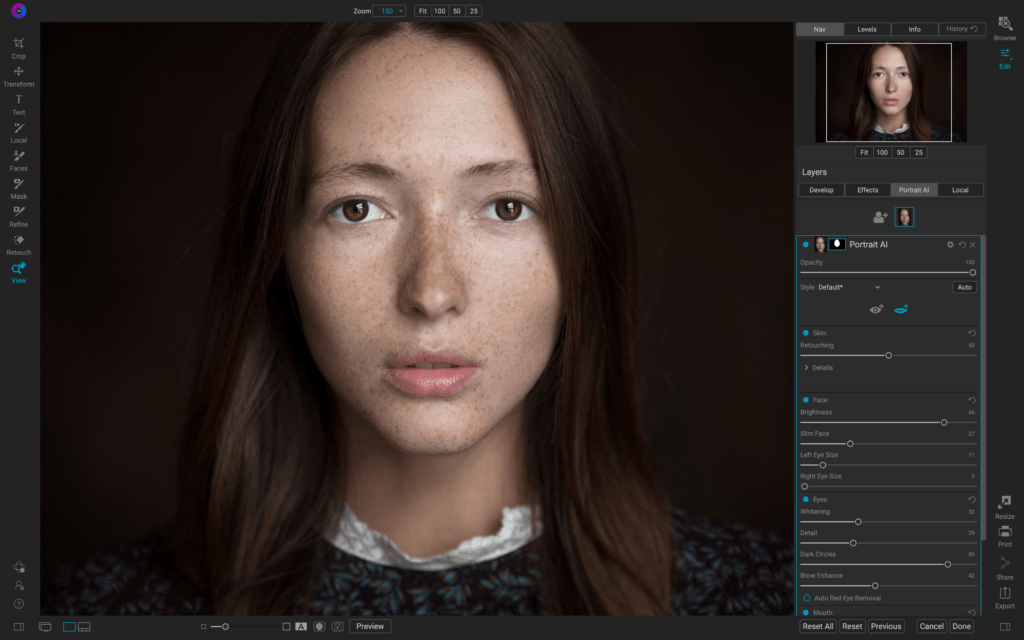
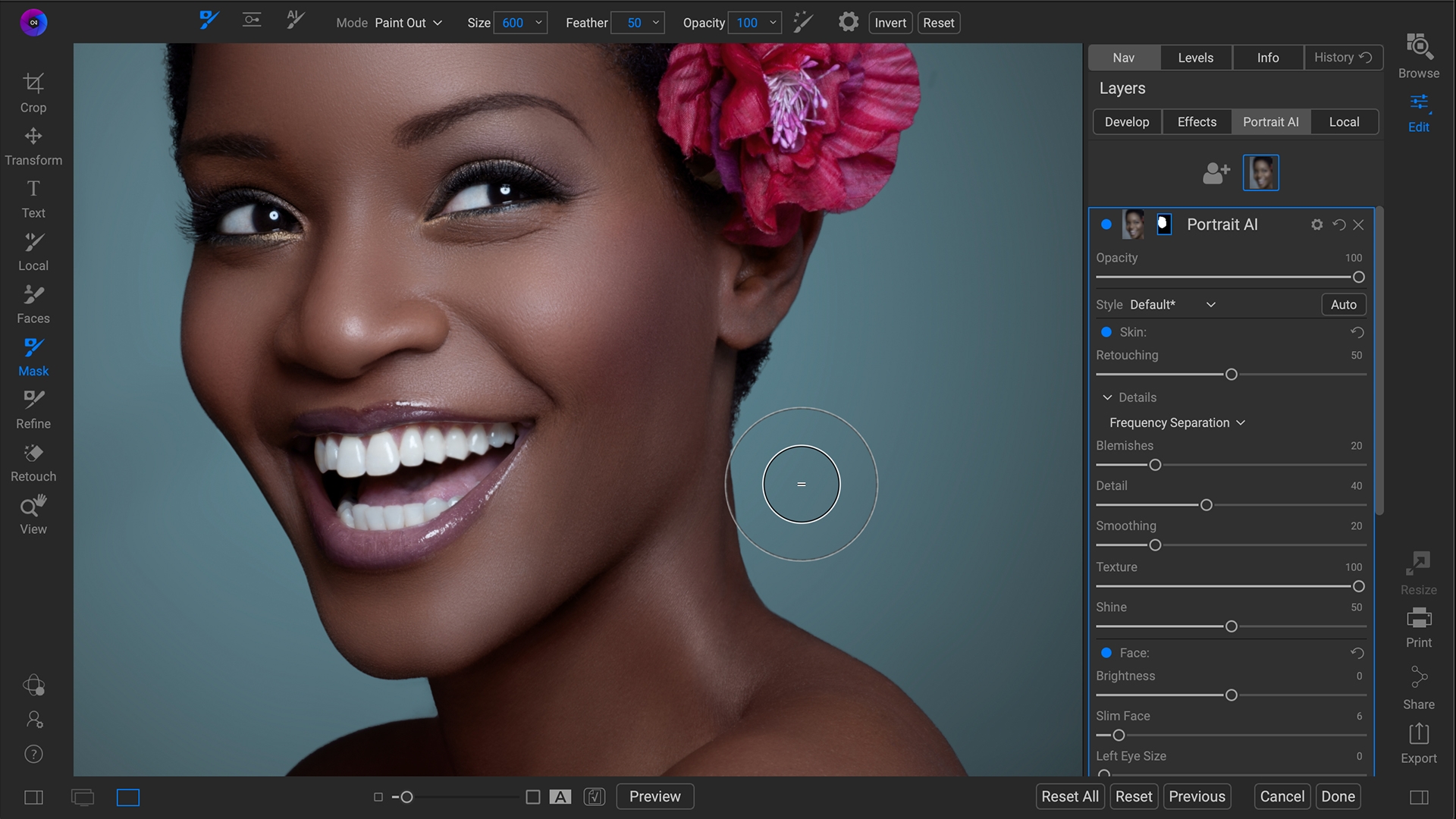
On1 Portrait AI

Today On1 announced a new app geared towards the Portrait photographer that is both a standalone app or a plug-in for Adobe Lightroom and Photoshop, Affinity Photo, Corel Paintshop Pro, Apple Photos, with Capture One support coming soon.

This new On1 application is meant to assist those portrait photographers who currently are spending hours retouching single images or entire shoots to present to their clients using the latest in machine learning AI. The AI finds every face in a portrait and applies settings to make your subject look fabulous without you having to lift a finger. While many other Photo editors offer either on-off edits or require manual controls and at times a steep learning curve with no way to batch process and entire shoot, On1 Portrait AI takes care of all of that for you

ON1 Portrait AI

On1 Portrait AI Standalone App/Plug-in will is available now for the introductory price of $59.99 for a limited time. The reverts to the regular price of $79.99 (Or 63.99 if you use my Coupon Code MDODD20)

Don’t forget about On1’s other Standalone/Plug-in Apps of

Get HDR Resize and Effects on Sale now. You can get all 3 for just $49

On1 Photo RAW Mobile ICON

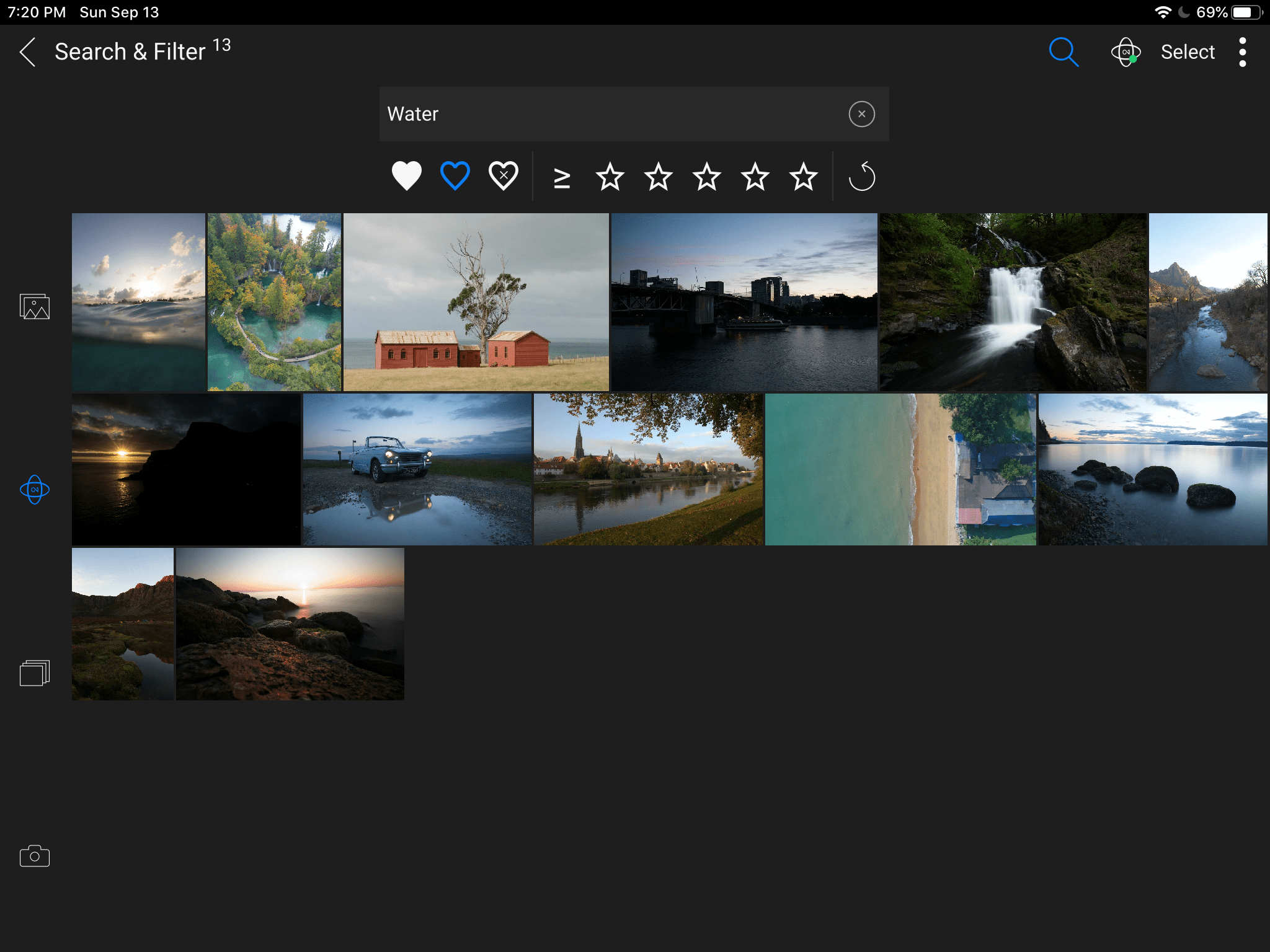
Updates to On1 Photo Raw Mobile

New enhancements coming to the On1 Photo Raw Mobile app for both iOS and Android today.

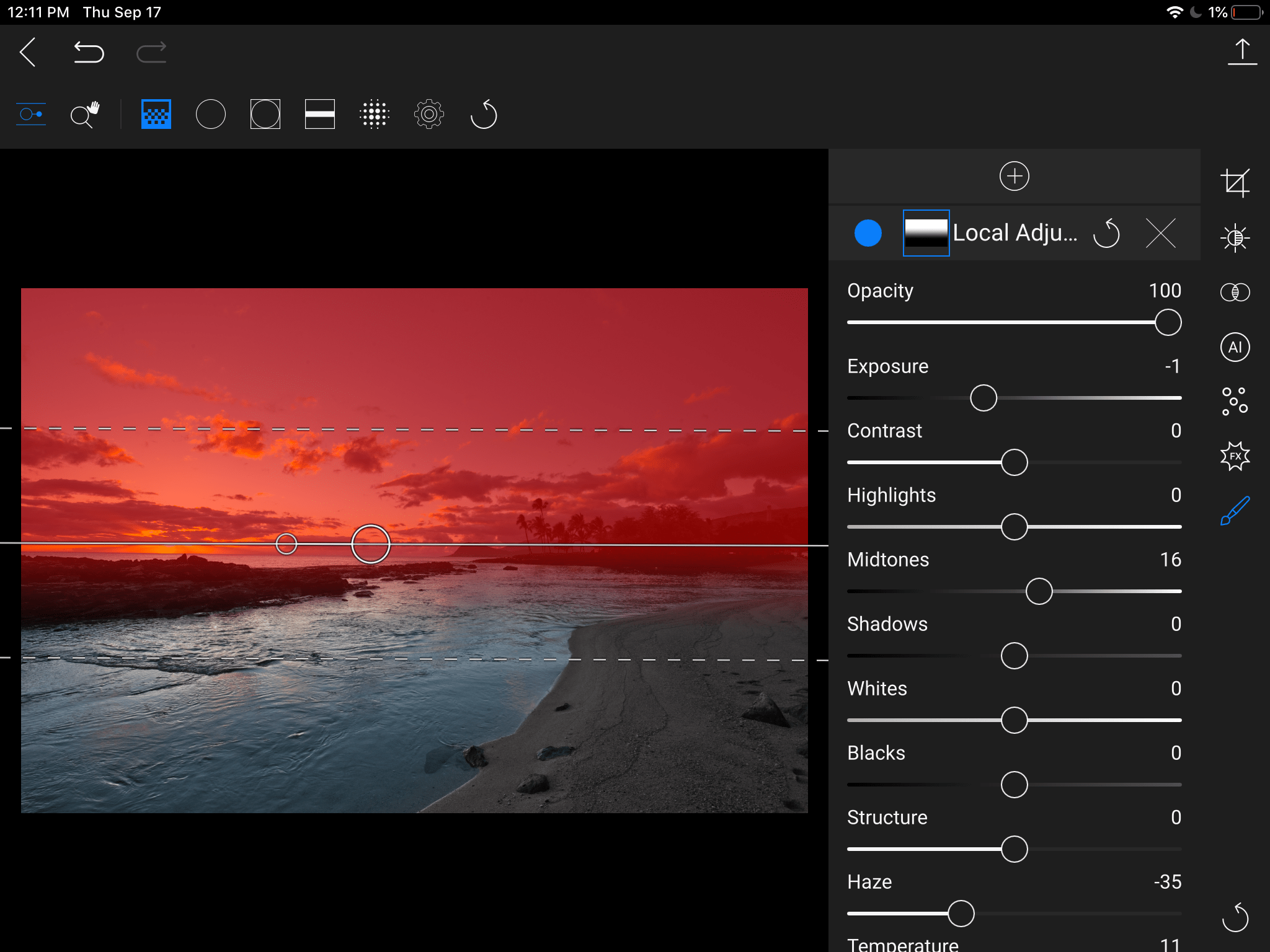
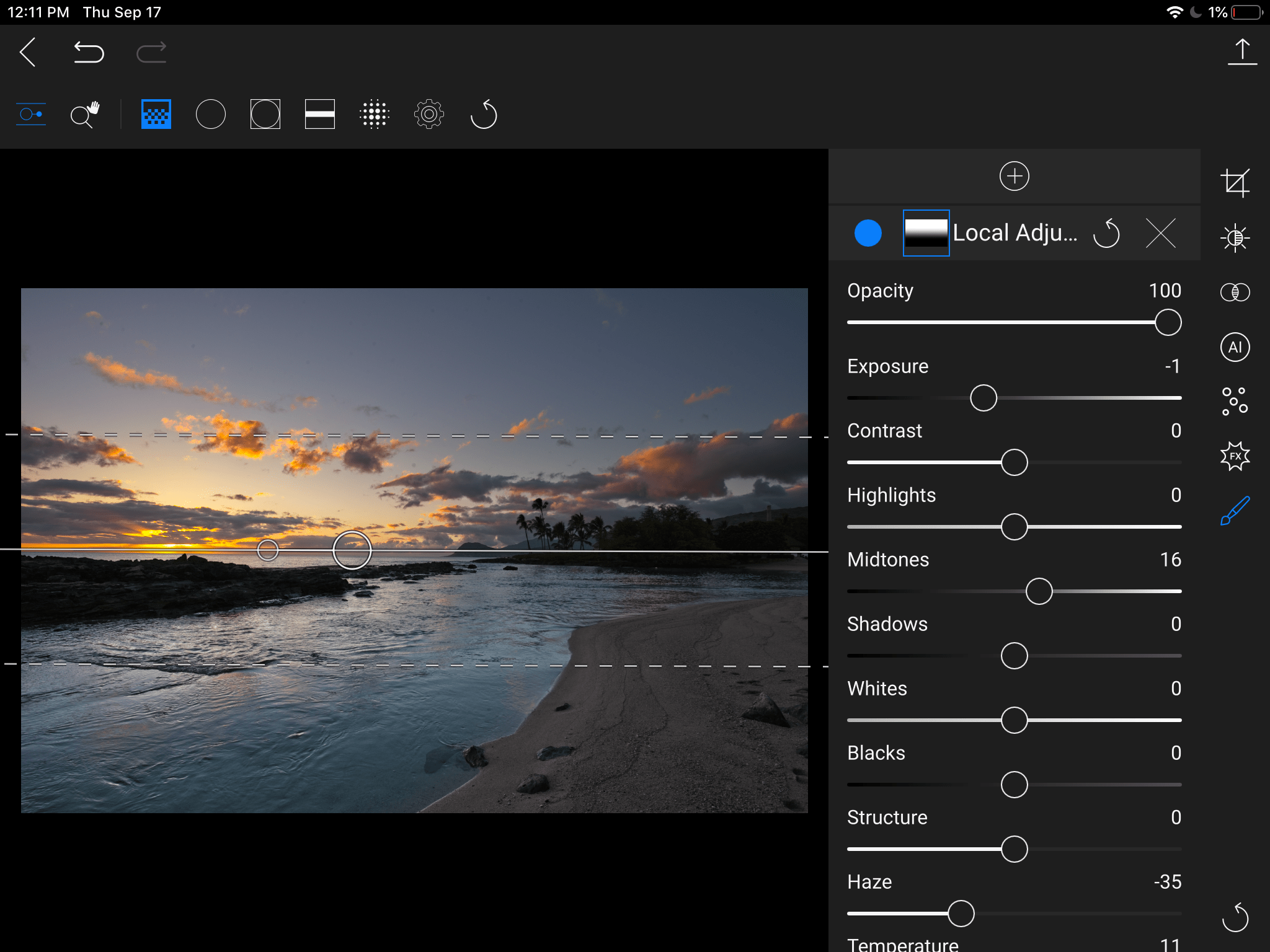
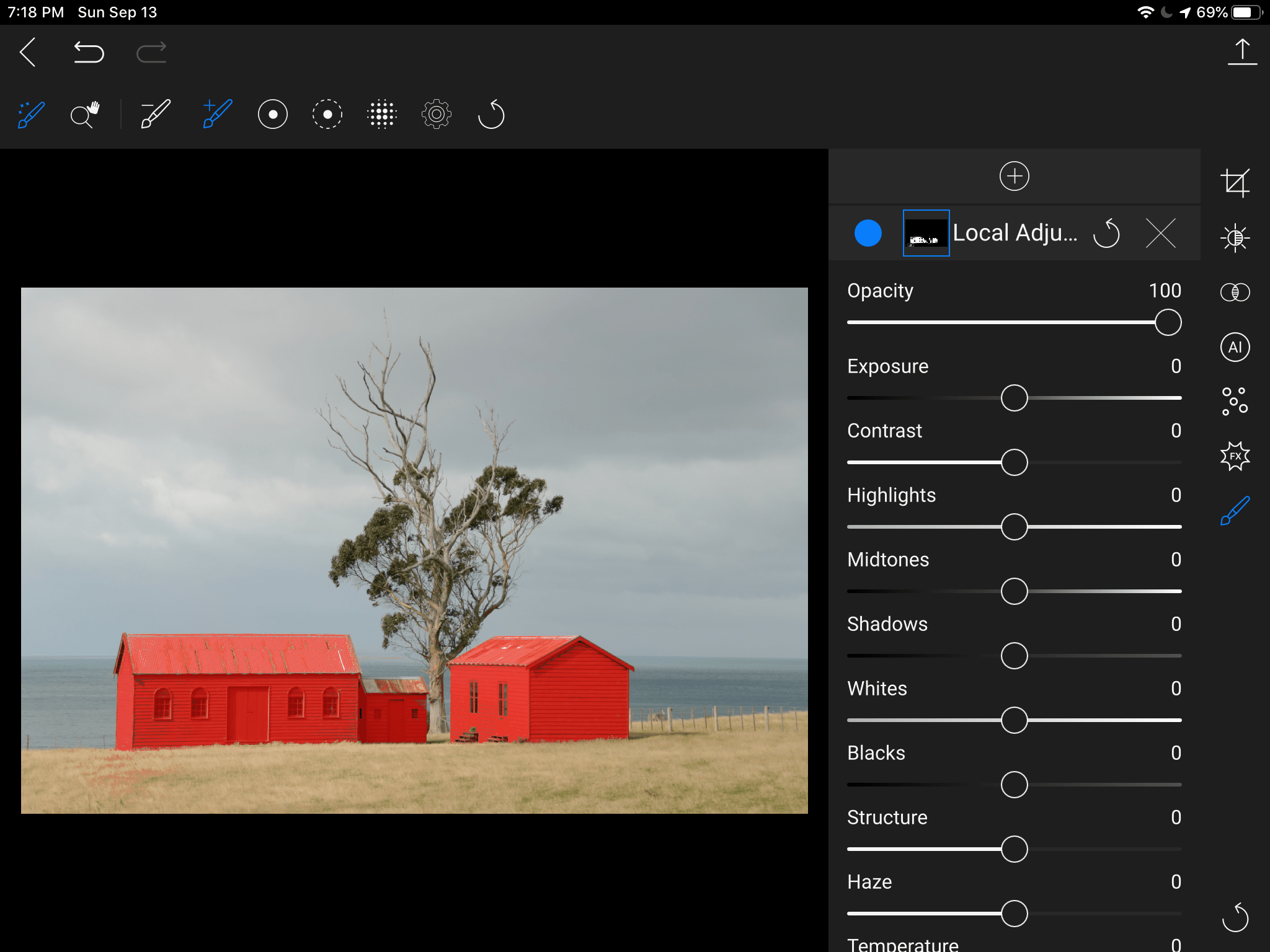
Masking has come to the Mobile App. This includes the edge-detecting Perfect Brush for precise masking while just using your finger. The new masking tools also include support for the Apple Pencil and the Andriod Stylus.

Local adjustments make use of On1’s proprietary raw processing engine to get the best from your raw images.

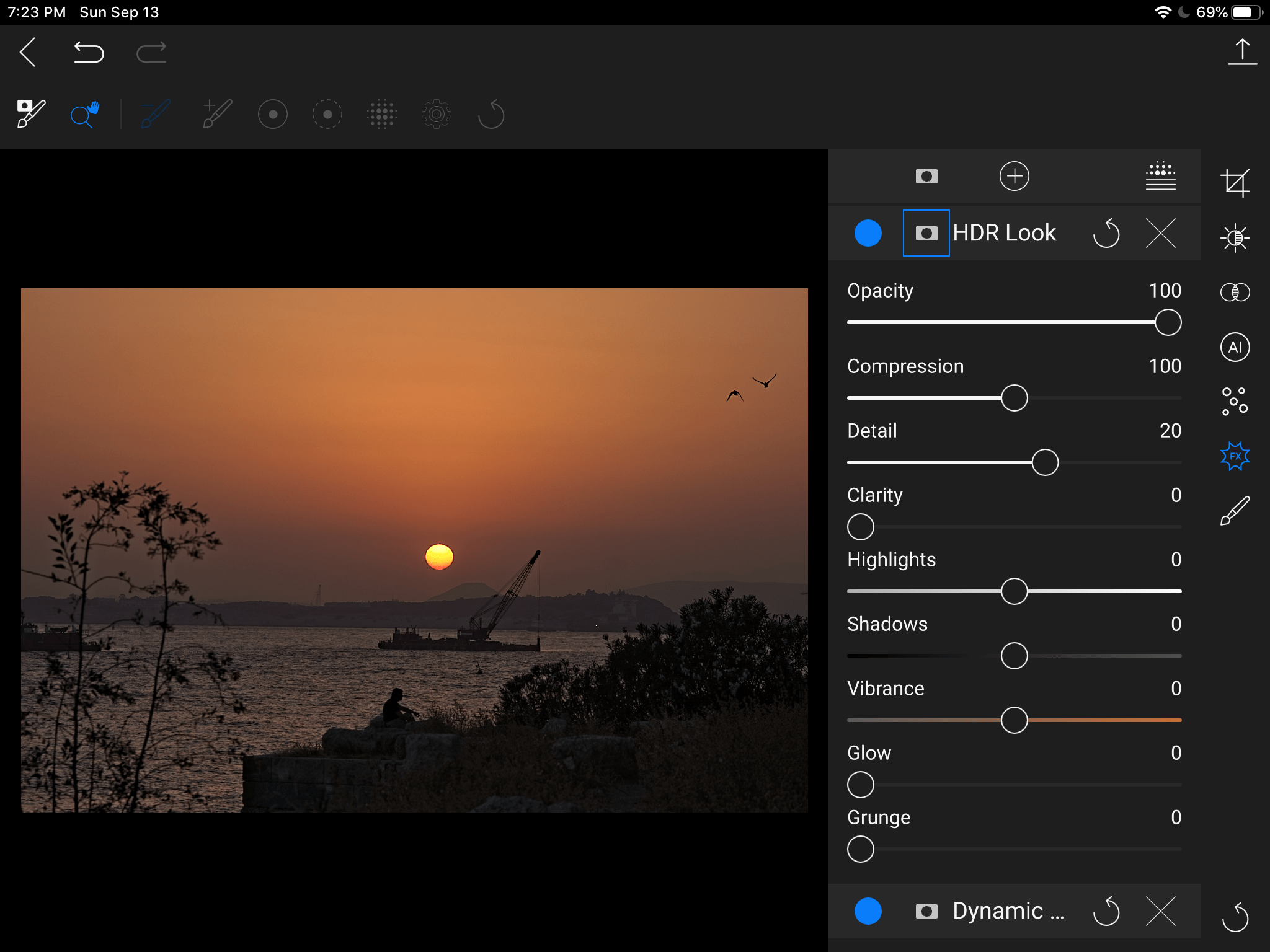
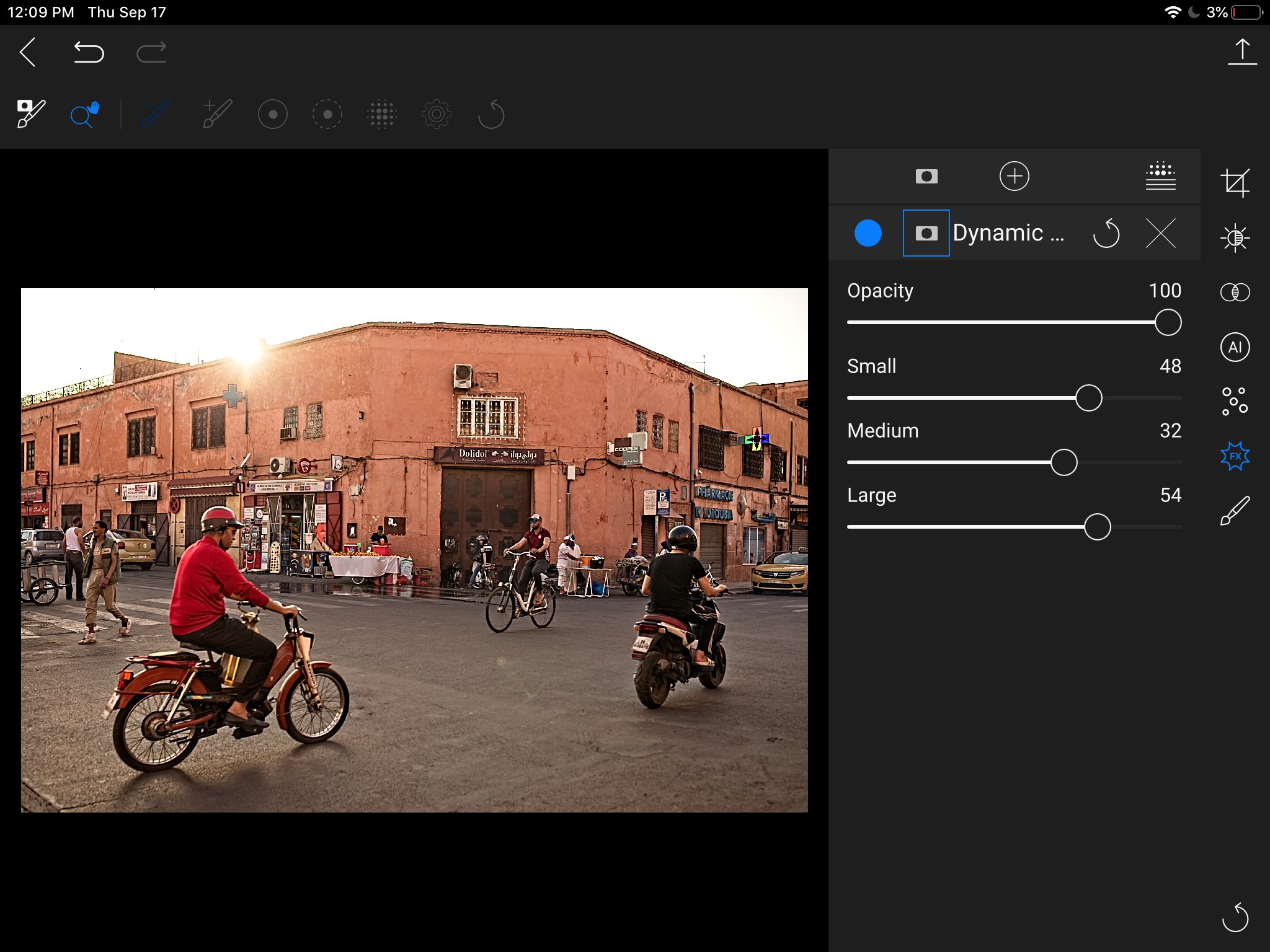
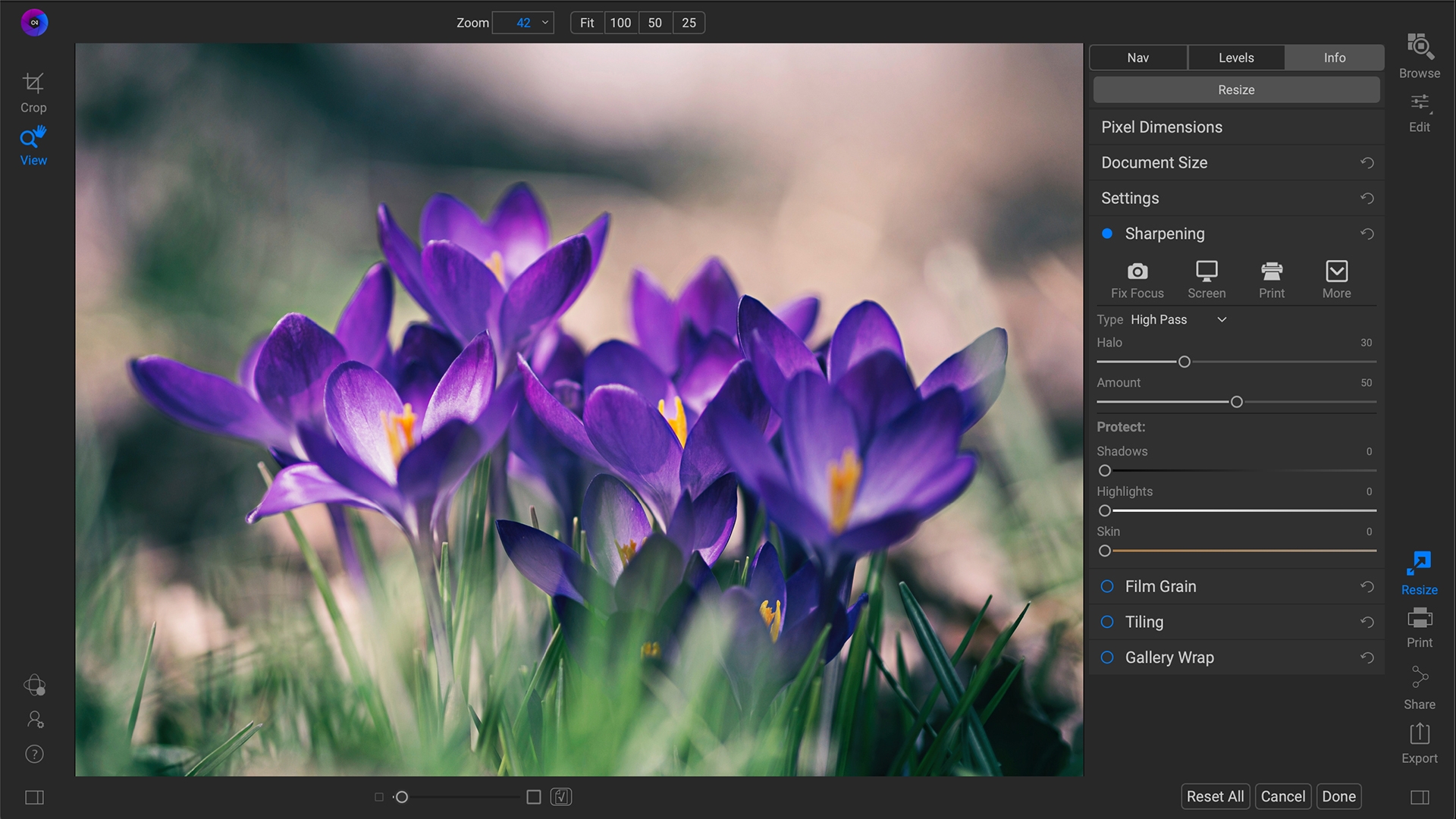
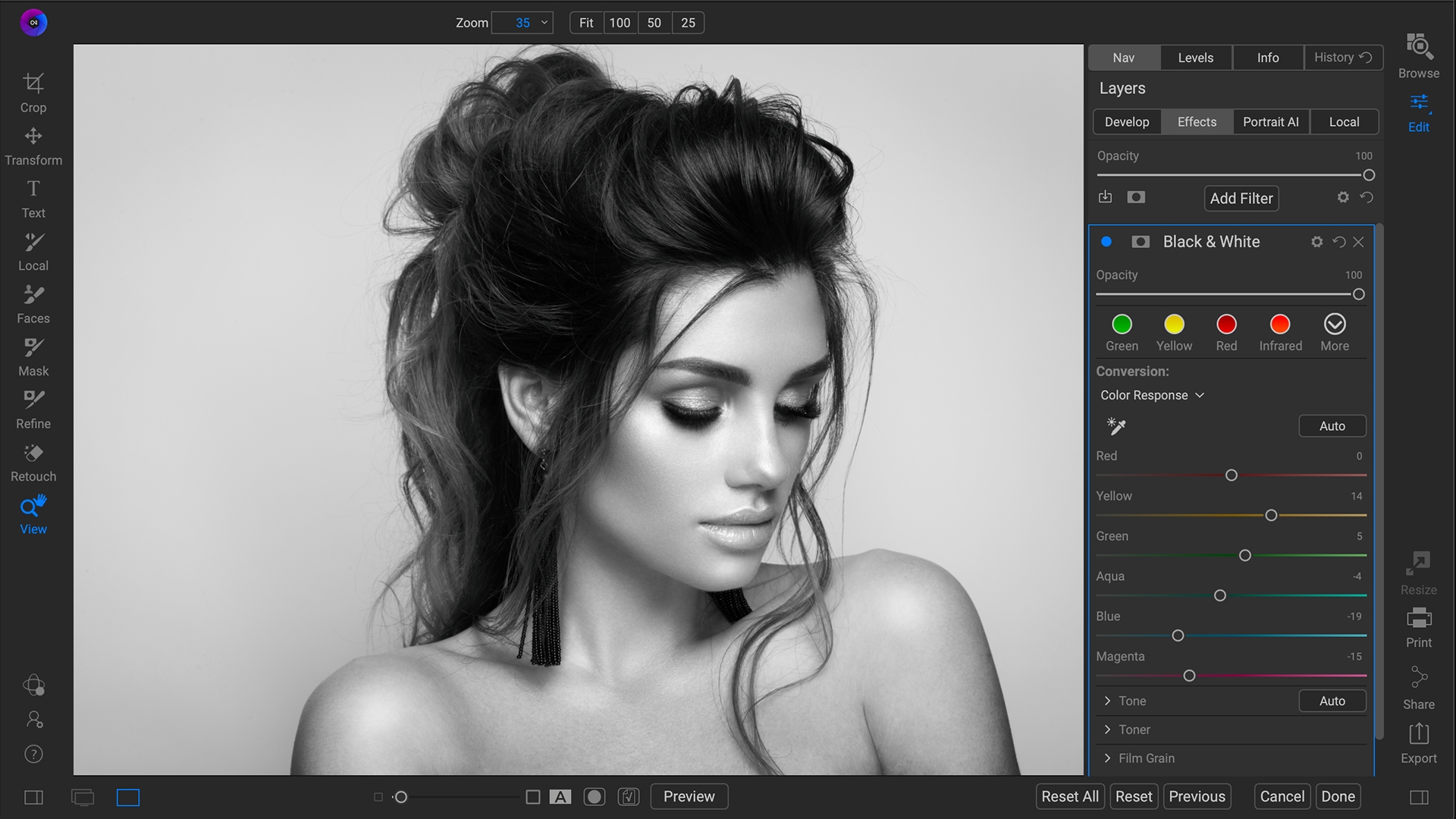
New Effect and Filters have been added. Those include Dynamic Contrast Filter, Curves, HDR Look and Glow to go along with the built-in filters of Split Tone, Black and White, Film Grain, Vegnettes, and Color Adjustments.

And more will be on the way.

Pricing.

The new masking capabilities are free for those who subscribe have a On1 Photo Raw 360 Subscription. Otherwise to get the masking fuctions in On1 Photo Mobie it will be either the $4.99/ Month or the $49.99/year.

For those who do not wish to use the Masking option, there is no additional cost for the other updates of On1 Photo Mobile.

On1 Photo Raw 2021

The 2021 release will be coming next month (October 2020) and will include a host of new features.

New Features

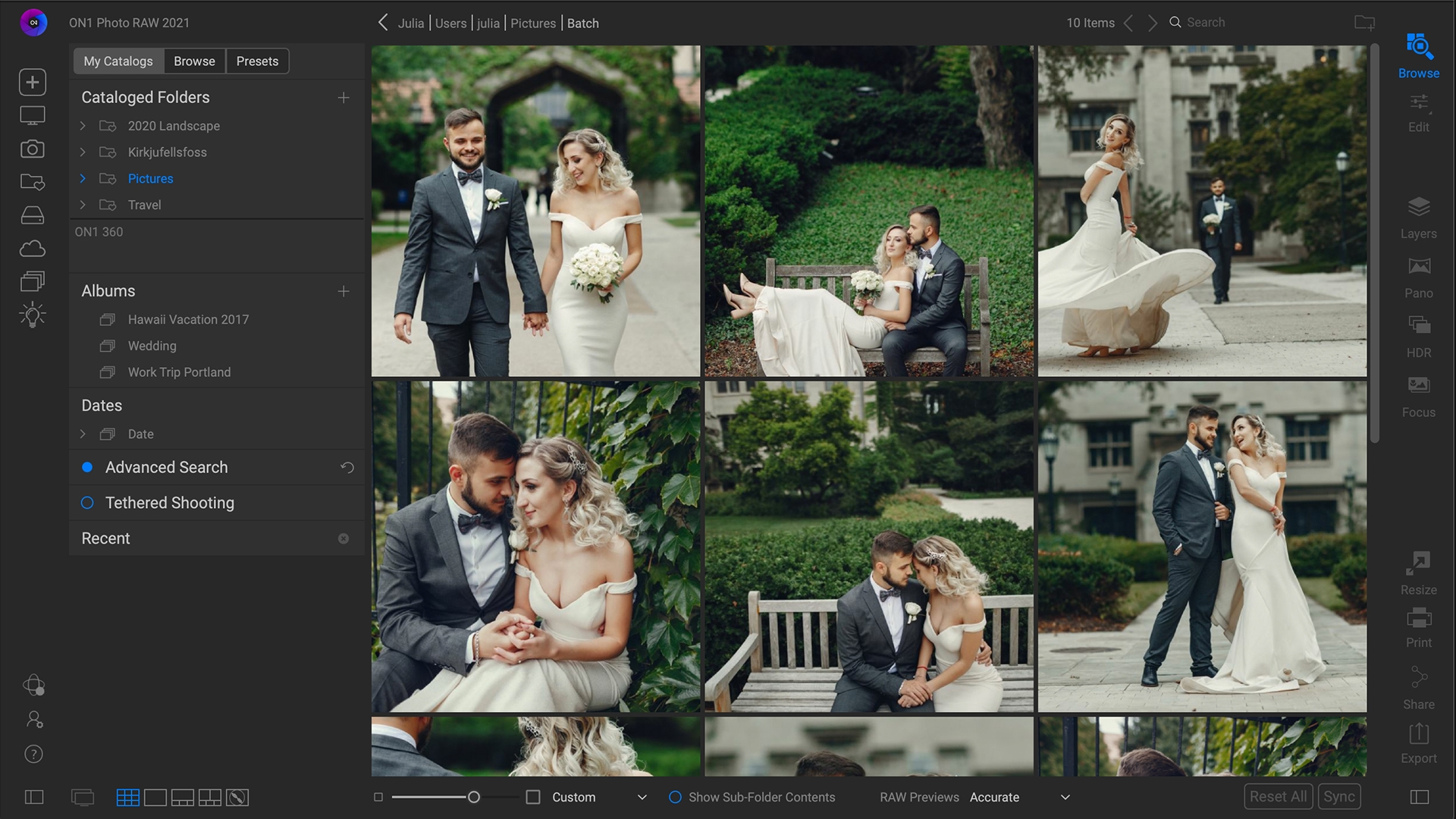
  • Full integration of ON1 Portrait AI, a new and faster method for organizing photos using a powerful new Smart Organize mode
  • Color range selection technology that combines the color and edge detection from the popular Perfect Brush with the flexible gradient masks
  • Custom brush shapes
  • Healing brush
  • Full-screen preview mode
  • Quick Slideshow mode 
  • Camera-based presets
  • Color Replacement filter
  • Method to batch HDR and panoramic photos
  • Support added to work as a plug-in inside of Corel Paint Shop Pro or Affinity Photo, with Capture One support coming soon.

On1 Photo Raw 2021 Pre-Order

You can pre-order the new On1 Photo Raw 2021 beginning today and will receive it when it is released in Late October, 2020.

New Customers can order for $99.99

Existing Customers can upgrade for a 20% discount of $79.99

Or you can get On1 Photo Raw now, On1 Photo Raw 2021 when released, and one year of On1 Plus training for $129.99

Remember, if you are an existing On1 Photo Raw 360 Subscriber, you can all of the updates and the new On1 Photo Raw 2021 when released for free as part of your On1 Photo Raw 360 Subscription

Get Adobe Lightroom and Photoshop CC

Adobe has a special Creative Cloud set just for photographers for just $9.99/month

So to get Adobe Lightroom and Photoshop CC click on the image below.


Adobe_PSLR_Affiliate_Bnnr_728x90_r1


They do offer Educational pricing on the full Creative Cloud set of applications, but for Photography Creative Cloud the pricing is the same for everyone. If you are interested in the full Creative Cloud set of applications, click the image above, then click on the Student and Teachers tab to see how to get All the Apps at Educational pricing.

The Creative Cloud subscriptions include all application updates as long as your subscription is active.

#lightroom #photoshop #PhotographyCC #Adobe #CreativeCloud


10% Coupon Code for Stuck in Customs (AKA Trey Ratcliff)


StuckinCustoms.com    Photography tutorials, videos, and software by Trey Ratcliff

10% discount off Stuck in Customs products, Excluding AuroraHDR software and the Workshops.

Click here to visit the Stuck in Customs Store and Use Coupon Code: MDP10 in the coupon code box on the shopping cart page. Although the discount code does not apply to all products in his store I would recommend checking out his products as they are a great resource.

If you would like to try Aurora HDR before you buy, Download the Aurora HDR Pro Free Trial Now

#StuckinCustoms #AuroraHDR #CouponCode #StuckinCustomsCouponCode


Discount on Photo Books from Nowvel

Click on the image below. You will get asked to enter your mobile device phone so it can send you a download link for the app. Your discount is associated with that device.

nowvel

Check our My Review of Nowvel

#Nowvel #NowvelReview #NowvelDiscount


Free Essential HDR Course by Macphun using Aurora HDR

Macphun announced a Free Essential HDR Course today that is using Aurora HDR in the course.

So if you have thought about using Aurora HDR or just looking into improving your HDR experience go ahead and sign up. Hey, it’s free!!

But First…..

If you don’t already have Aurora HDR, click the image below for the Stuck in Customs store where you can either buy Aurora HDR if you already know you want it, or at the bottom of the page you can download a trial version that you can use while you are taking this course.

Now that you have the software let’s get you to the course

Click here to see the course details and to Sign up for the “Become a better HDR photographer in 10 weeks” course.

I’ve signed up myself as never hurts to learn how to improve your craft and software skills. And it’s free, can’t beat that.

#AuroraHDR #Macphun #Freecourse #Software #Training #StuckinCustoms #Trail


Need someplace to sell your own artwork online

Need someplace to sell your own artwork online, consider

FineArtAmerica.com

You can sell up to 25 images for free and have them professionally printed and framed. They also offer a variety of media to have your art printed on.  If you decide to host more than the base level of images, their pricing is ever inexpensive.

They take care of the entire process for your customs. Printing, shipping, returns, and processing customer payments.